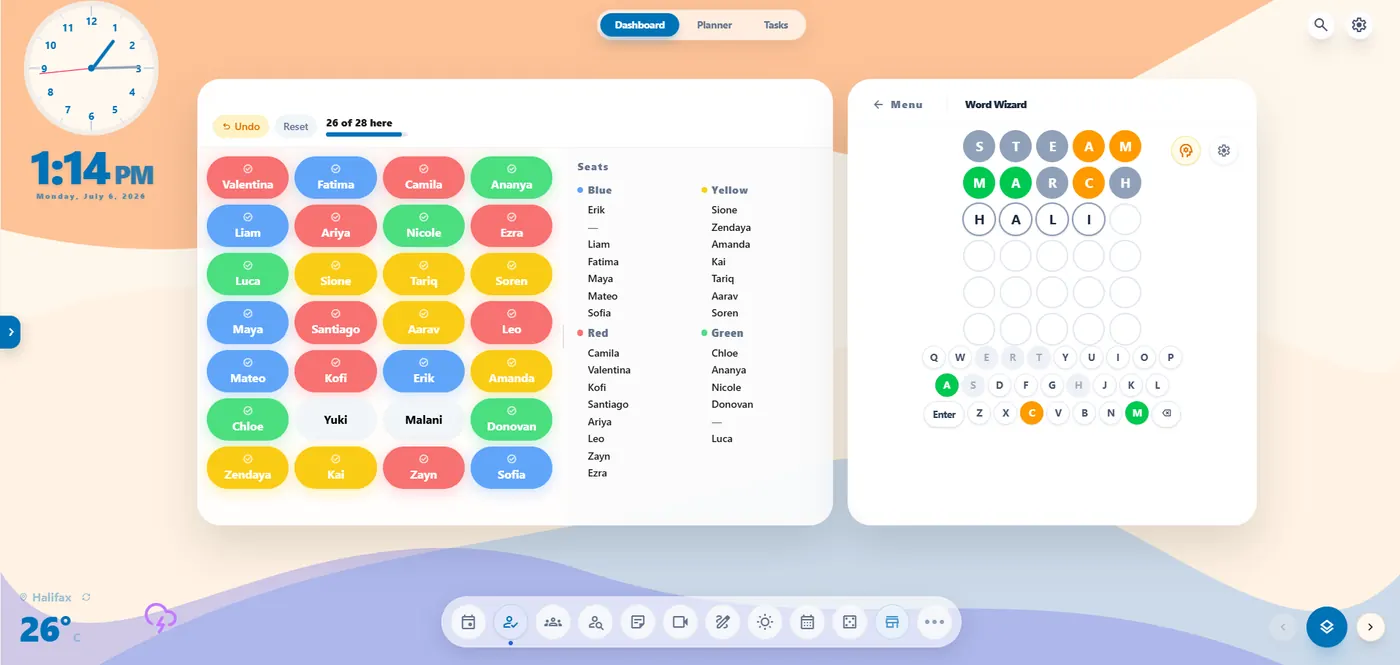
HomeRoom is a classroom display you run from one tab. Save a scene for Morning Meeting, Writer's Workshop or Silent Reading, switch between them in seconds, and skip the pop-ups and ads of single-purpose websites.
Students don't need accounts, so there are no student logins to manage.
No third-party ads, and no selling your email, rosters or usage habits.
Free includes saved scenes, classroom tools and day planning. Pro adds live multi-device sync and Remote Control.
Made by Jeff Hennigar, an elementary school teacher in Nova Scotia.
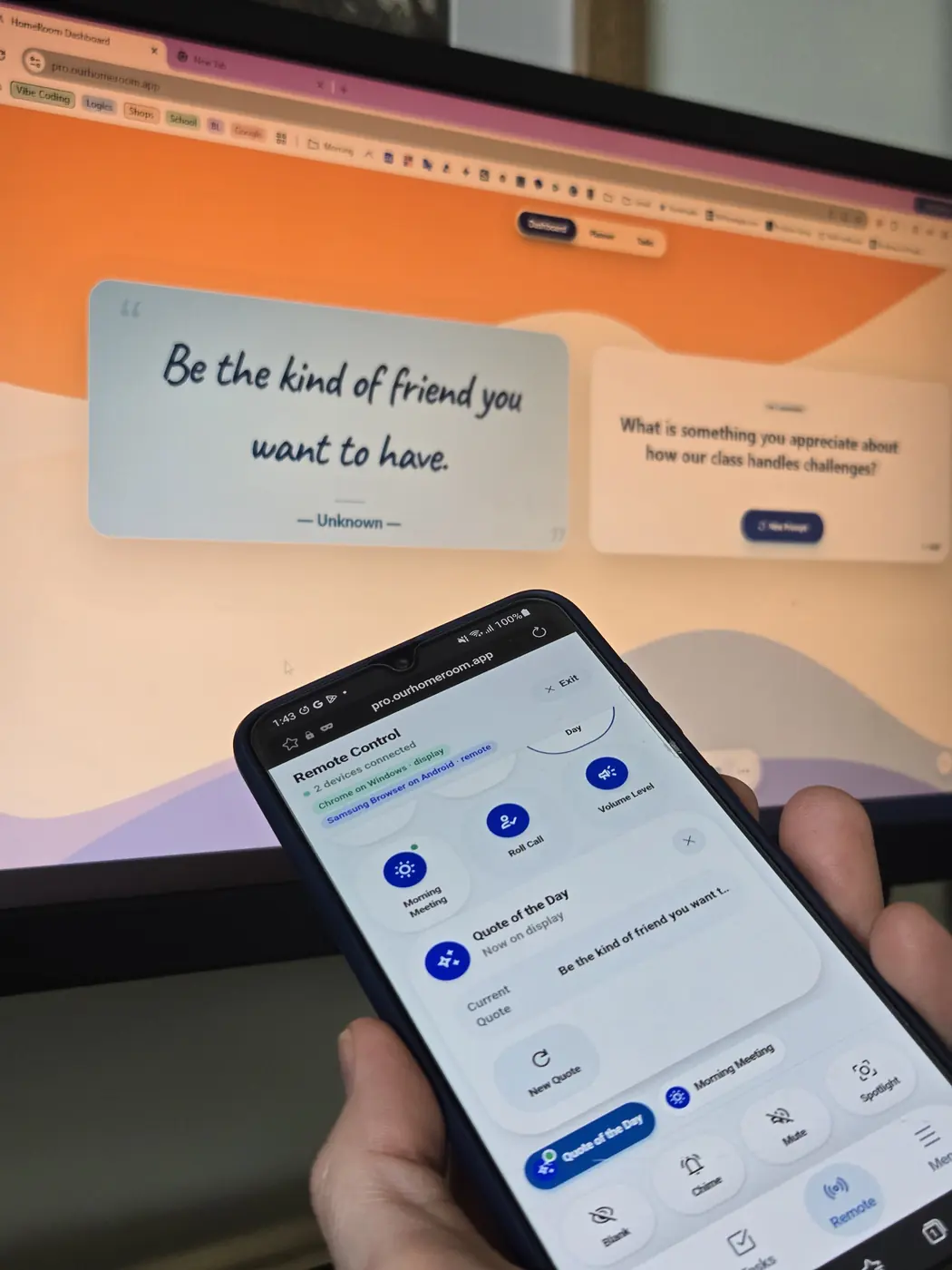
The Free plan is $0 CAD. It saves new workspace edits in this browser and supports up to 5 active classes, 1 active unit plan and 3 active tasks. New teacher accounts start with a 60-day Pro trial, with no credit card or automatic charge. Pro adds live sync and phone control.
HomeRoom has no student accounts and no ads. It was built by Jeff Hennigar, an elementary school teacher in Nova Scotia. See also the digital planner for teachers and HomeRoom vs Classroomscreen.
Setting up your morning board? Try this visual daily schedule for elementary classrooms.
Yes. It runs in any modern browser, so it works on touchscreen smartboards. Tap to interact just like you would with a mouse.
Yes. Any modern browser works, and there is nothing to install.
HomeRoom uses teacher accounts. Students can join activities with a class code without creating an account. On Free, workspace edits such as roster changes save in this browser. The Pro trial and paid Pro can sync that workspace to encrypted storage in Canada. Live student activities use an online service on both plans. Check your district's privacy policy before using HomeRoom.
Pro adds higher class, unit plan and task limits, live multi-device sync, Remote Control and Guest Teacher Mode. The first group of Pro buyers locks in $20 CAD per year. New subscriptions will cost $30 CAD per year after the founder offer ends.
Free saves new work in this browser. Clearing browser data or changing devices can lose those edits, so export a backup first. A saved Pro workspace, if available, can be downloaded free, but it does not include newer Free edits. Restoring backups inside HomeRoom requires Pro.