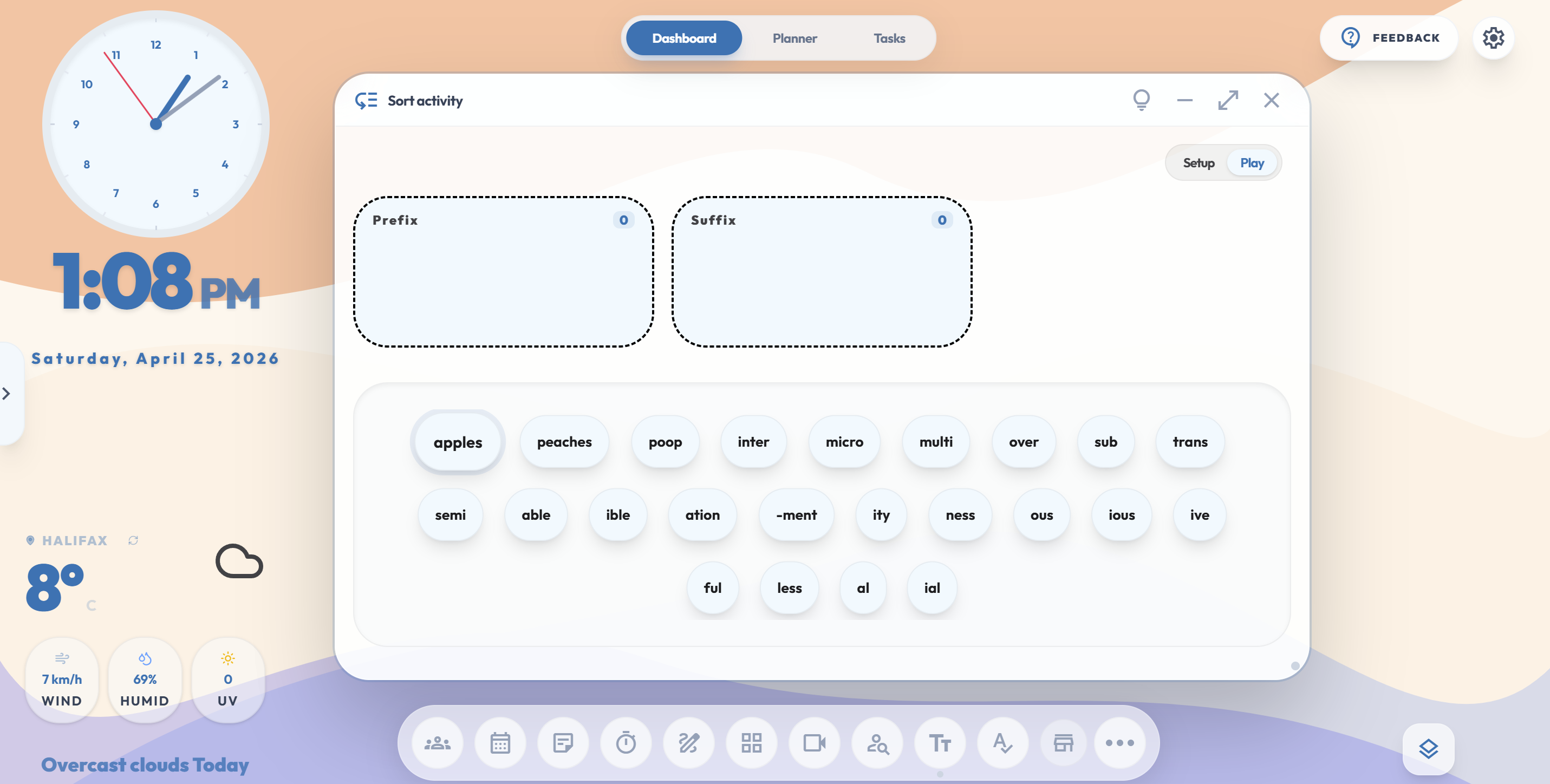
Replace the dozen random websites you use every day with one beautiful command center. Run your whiteboard, adapt your lesson plans instantly, and hand over your routines with Guest Teacher mode.
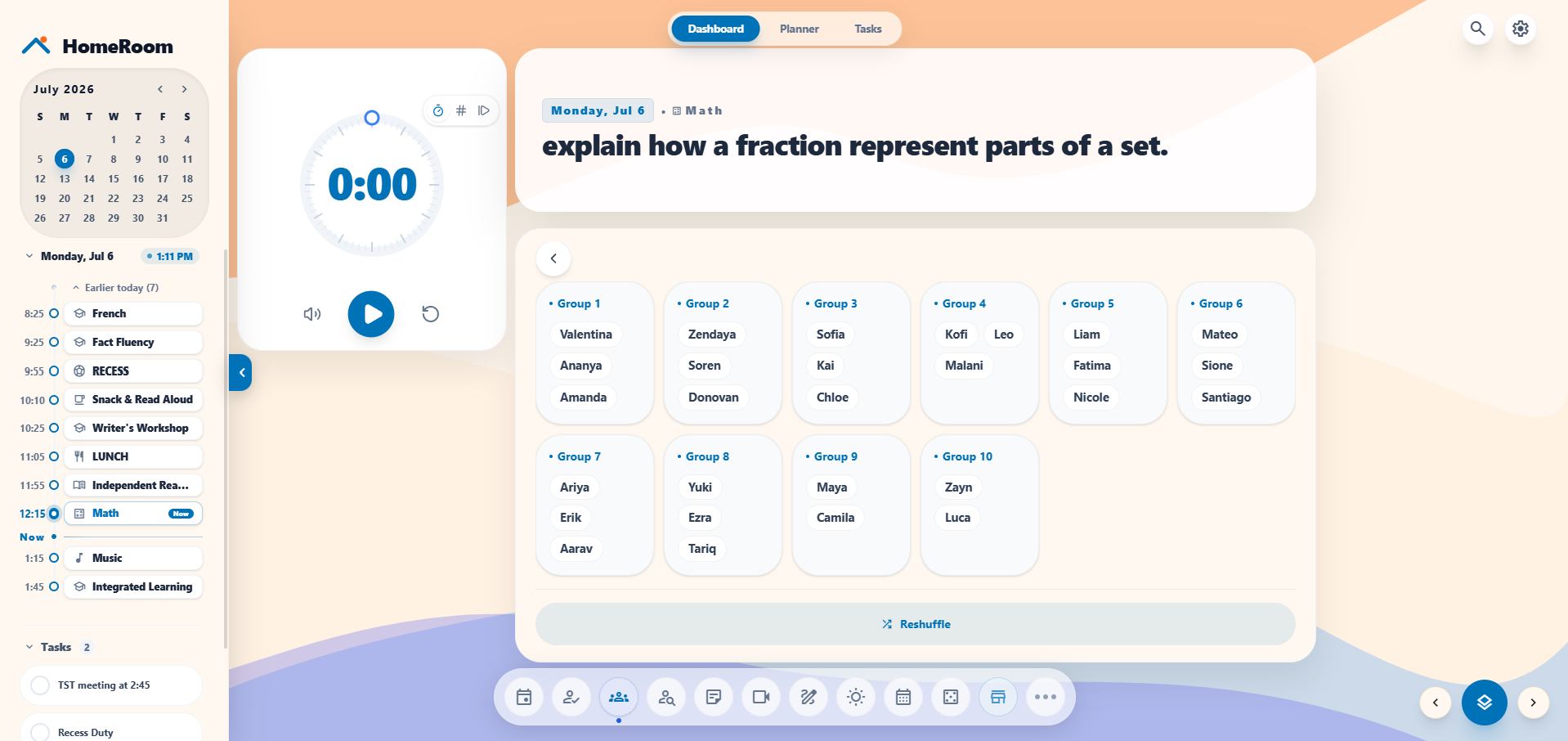
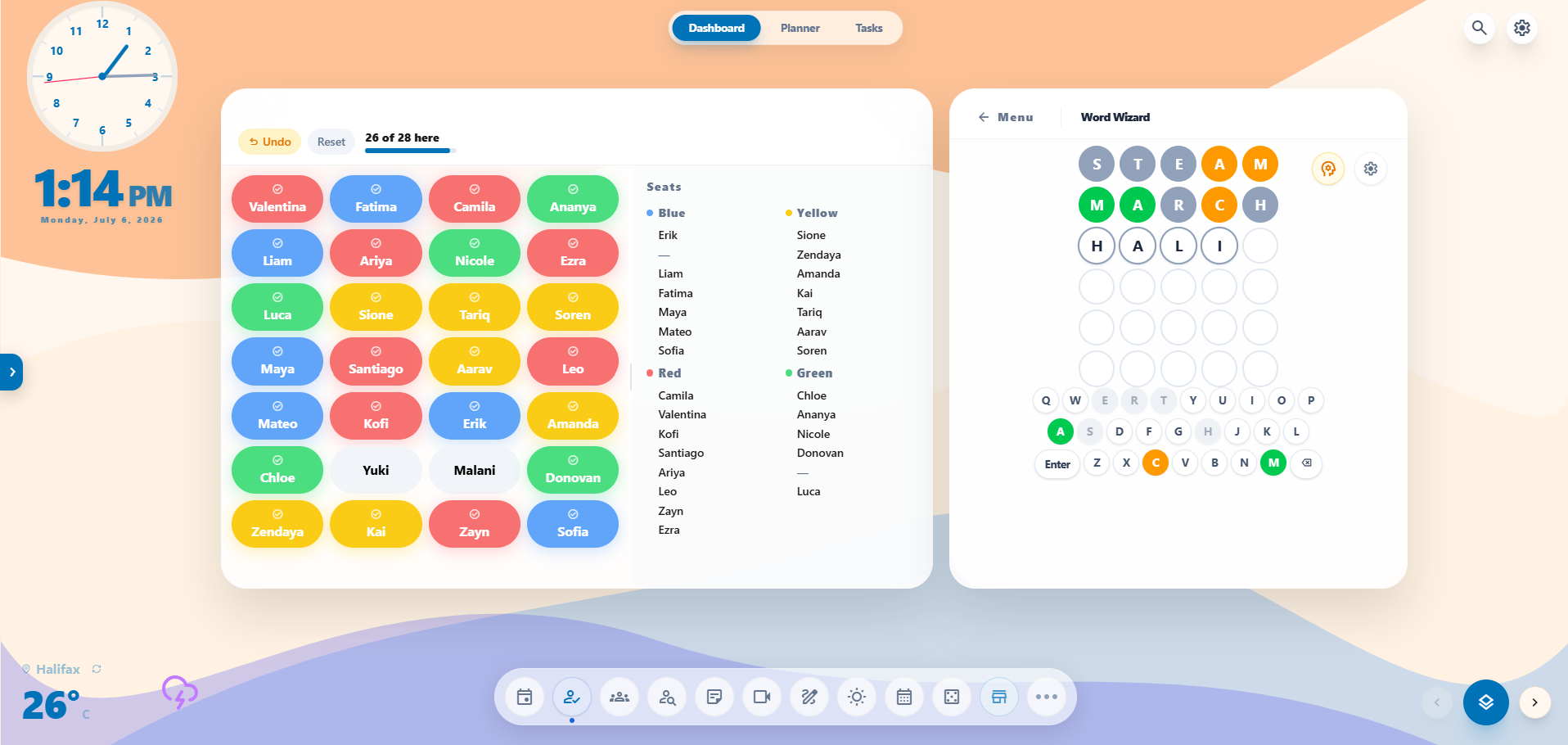
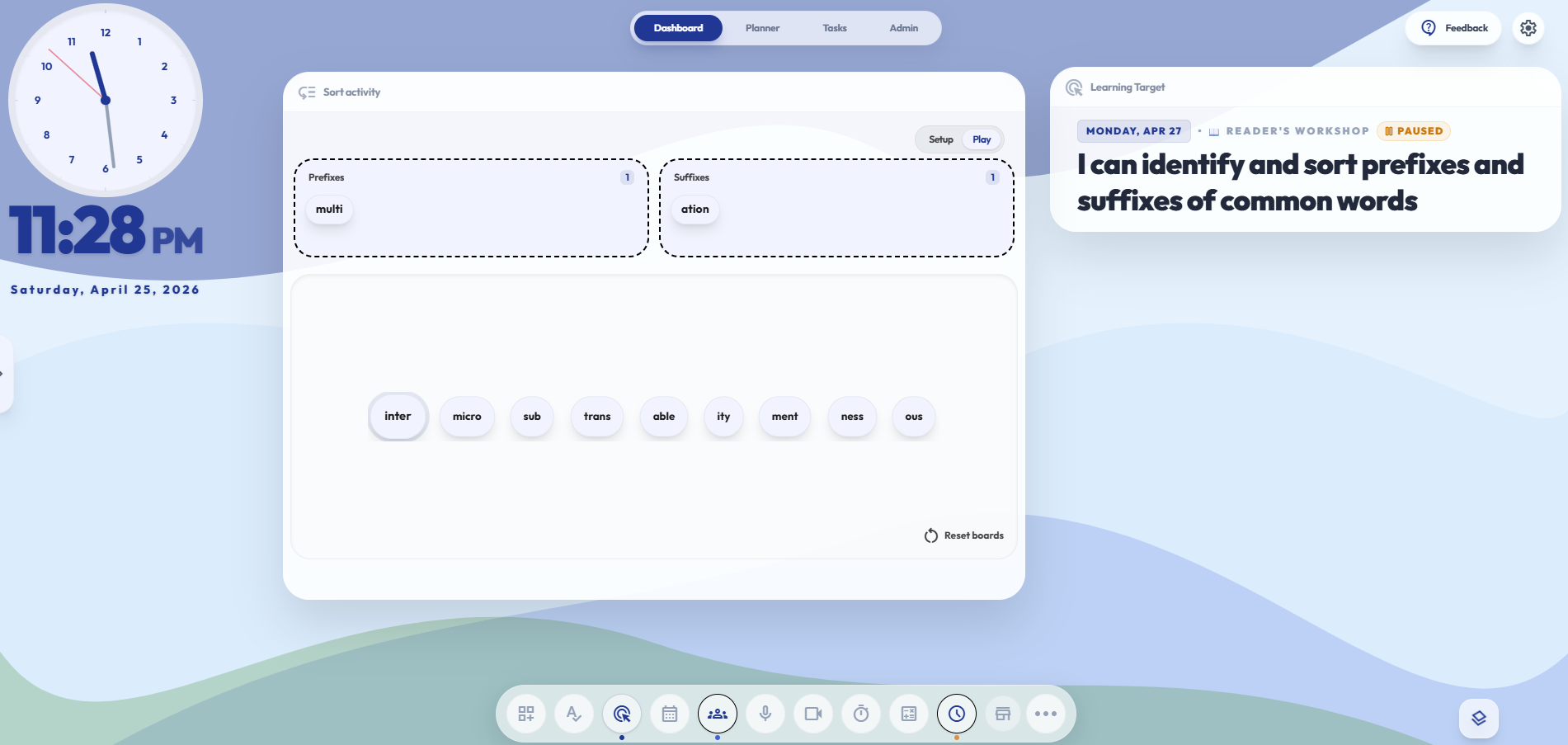
Drag, drop, resize. Build distinctive scenes for your Morning Meeting, Writer’s Workshop, and Silent Reading, then switch between them in seconds. No more hunting for single-purpose websites buried in pop-ups and ads.
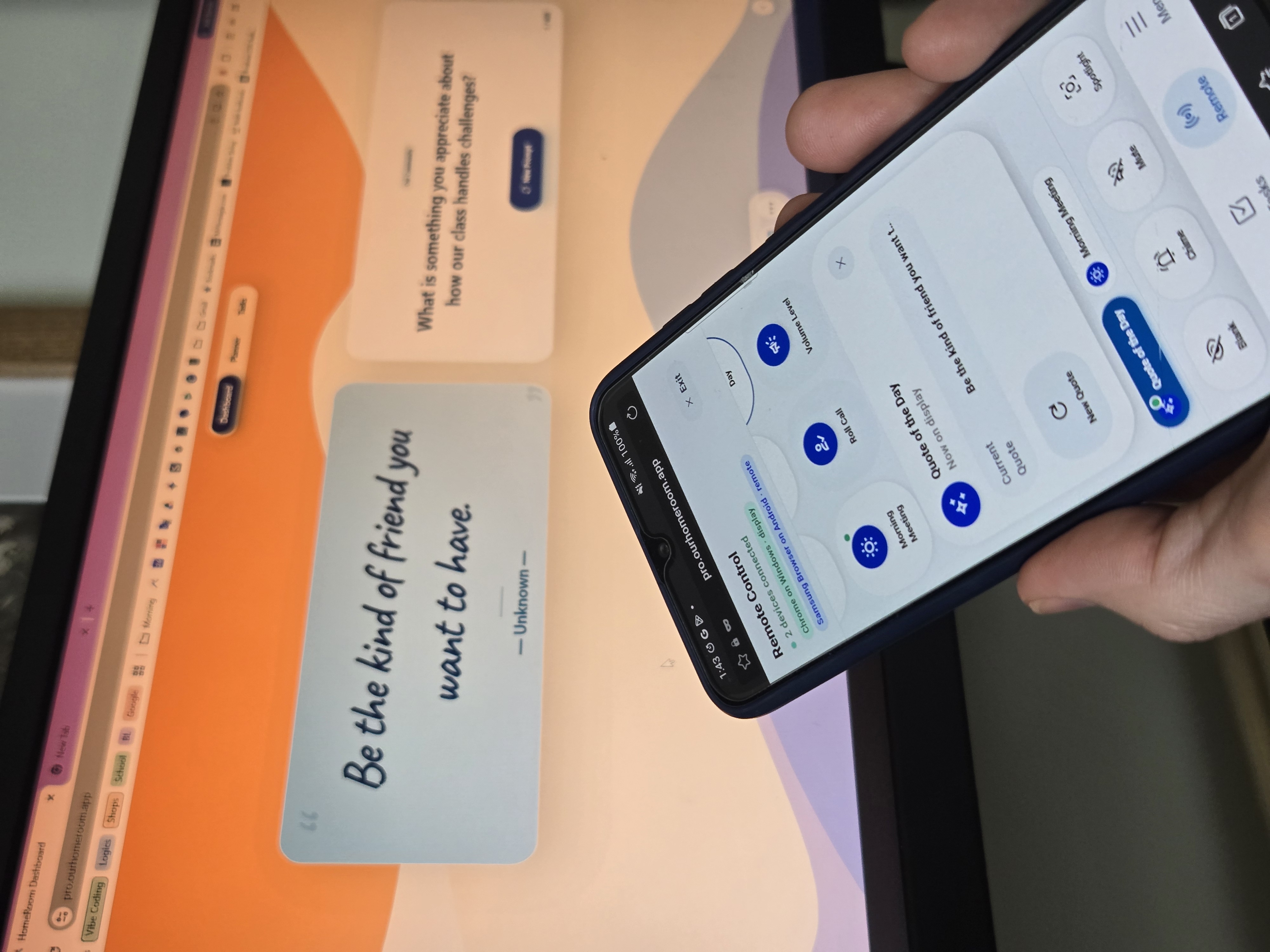
Open HomeRoom on your phone or tablet and it becomes a live remote for your classroom display. See what's now and next in your day planner, push a message straight to the board, and control the room without ever turning your back on the class.
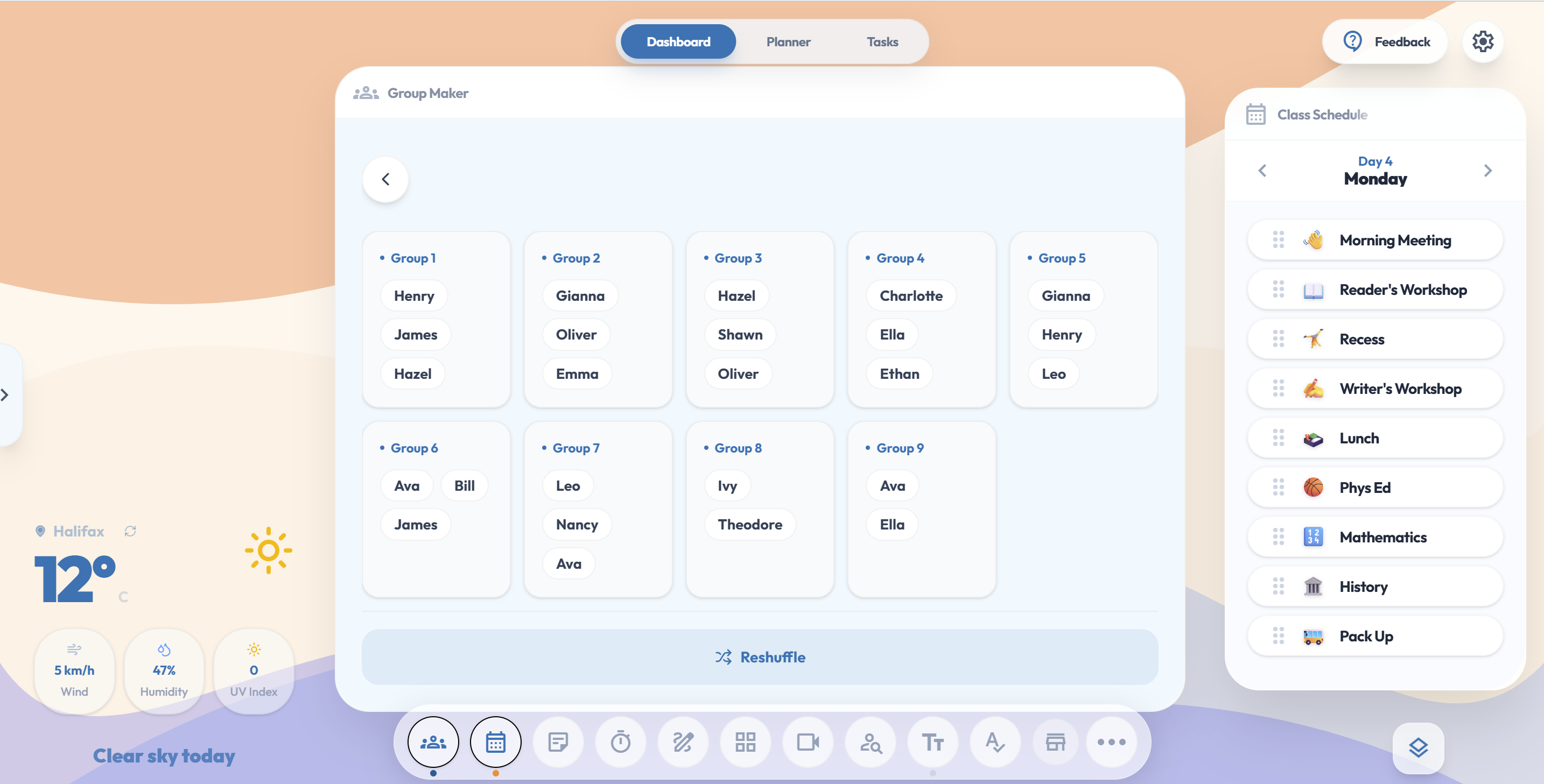
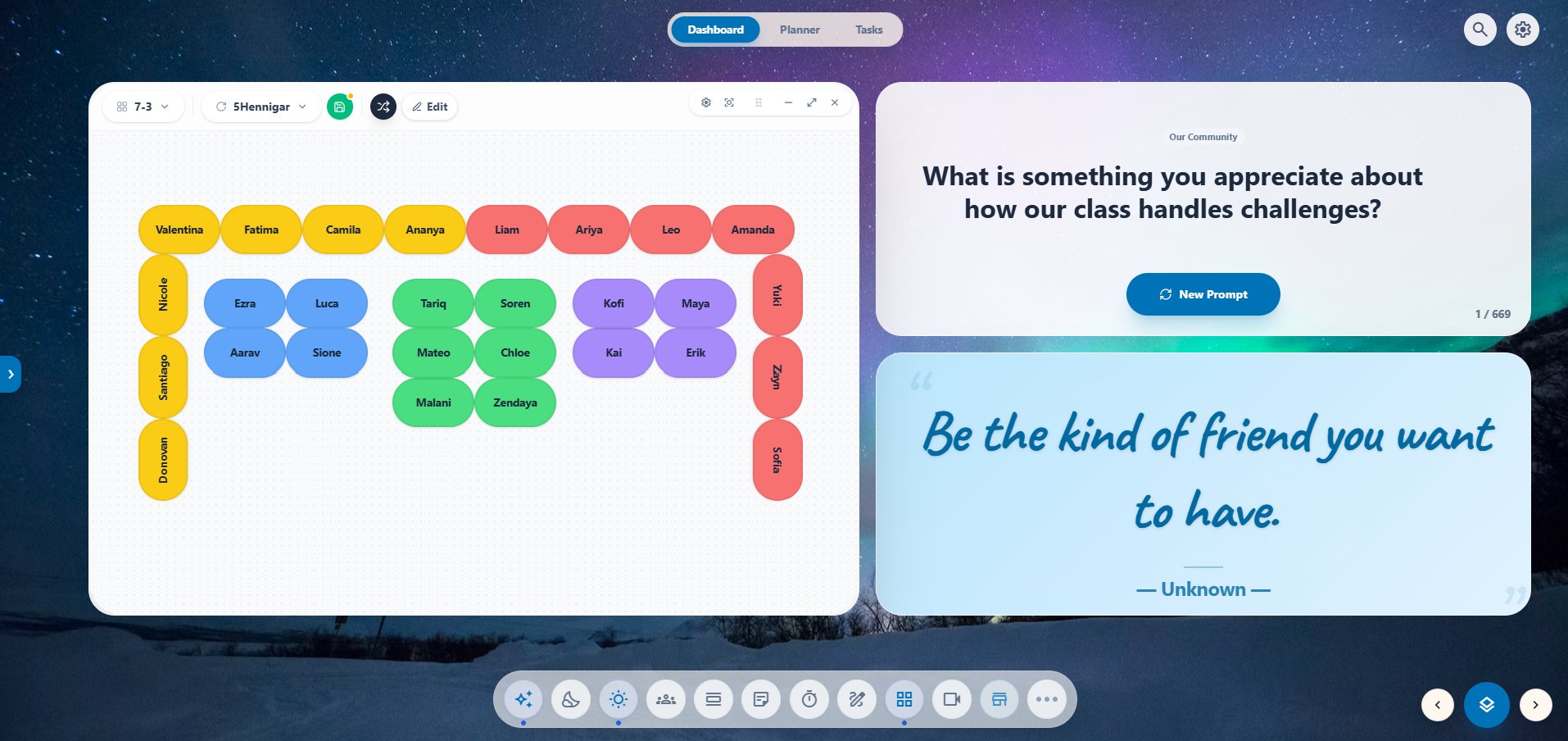
Generate visibly random groups or a fresh seating chart with one tap. Students watch the shuffle happen, so nobody argues it was rigged, and the room calms down on its own.
Timers and transition cues for your students, side-by-side with a connected Task Queue and focus timer for your prep periods. Keep the class moving smoothly, and take back your prep time when they leave.
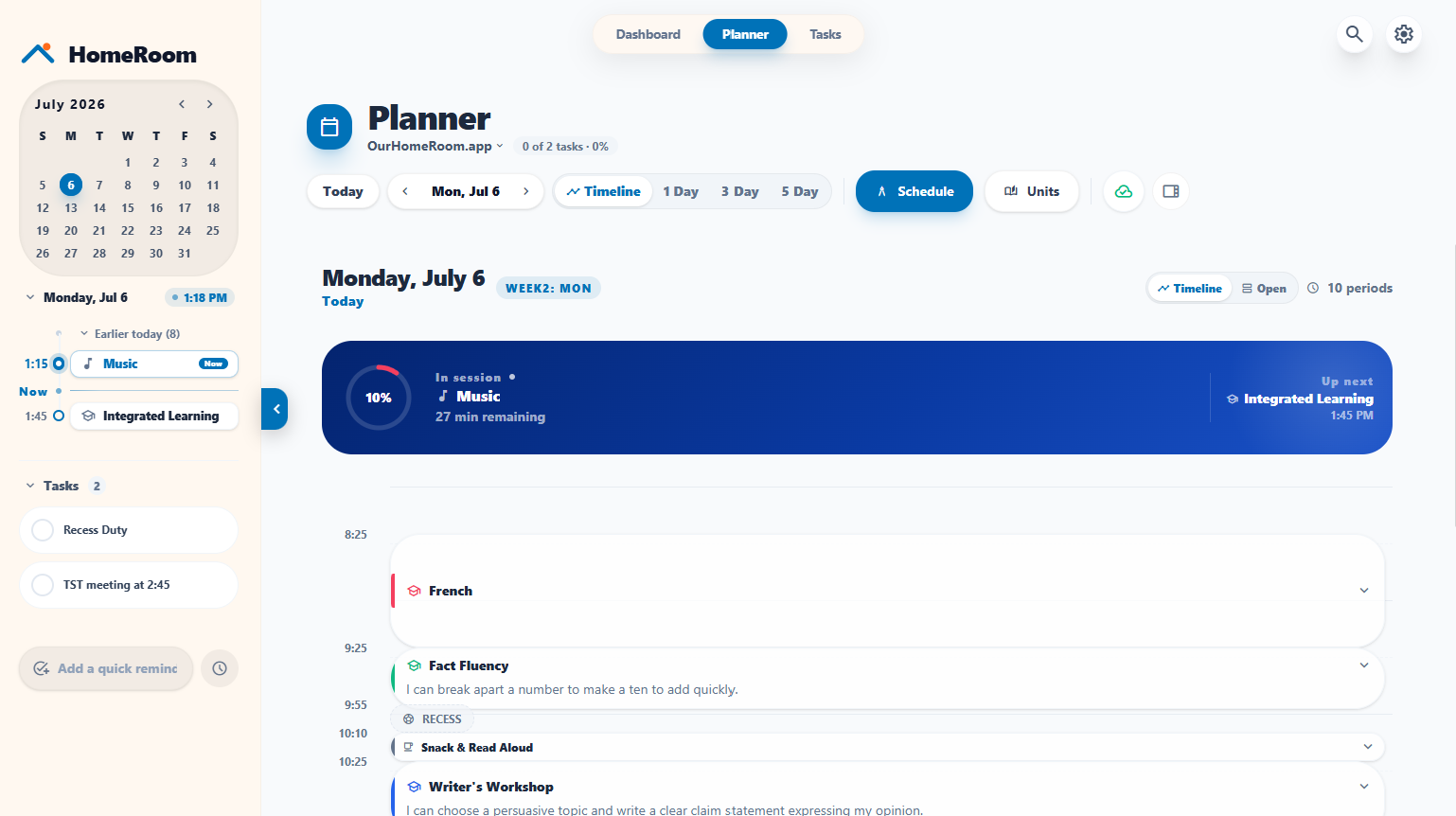
Use HomeRoom as your unit and daily lesson planner. When a fire drill happens, just bump a lesson and every lesson after it slides down to fit. Out sick? Guest Teacher Mode gives your sub the keys to your dashboard tools.
Your day. One dashboard. Zero second-guessing where anything lives.
Every design choice in HomeRoom was made in the five minutes between recess duty and math class. No investors to please. No usage metrics to chase. Just one teacher building the workspace he wanted to use.
I built HomeRoom for my own classroom because I needed a better way to organize my planning and whiteboard display. Turns out, other teachers needed it too.
Every account gets the full whiteboard toolkit with no limits and no trials. Pro adds cloud backup, multi-device sync, and pocket remote control.
Everything you need to run the room.
Yes. The free HomeRoom account gives you full access to every tool right now — no credit card required. Just create a free account and start teaching.
Not much! If you cancel HomeRoom Pro, your data stays on your account and we hold your cloud backup for 1 year so you can export it, or come back when you're ready.
HomeRoom runs entirely in your browser with no student accounts and no district data flowing through it. Most teachers use it independently without any IT setup.
Free users save their data to their local browser storage. If you switch devices or clear your browser data, it won't follow you. Pro users can restore everything in one click from their encrypted cloud backup, so clearing your browser cache is never a problem.